Secure patient records, on your own server
Keep every patient’s history, notes and documents encrypted and in one place — with prescriptions, a patient portal and role-based access, all inside WordPress.
A patient records system built into your booking
Notes, documents, prescriptions and a patient portal — kept secure, on your own server, next to the appointments they belong to.
Allergies, conditions and more
Every patient carries standing clinical notes — allergies, chronic conditions and anything else that matters at every visit — written in a proper editor, so a list of four medicines reads as four lines rather than one block of text.
Read docsEncrypted medical records
Each patient’s history, notes and document uploads are encrypted (AES-256) and kept together — sensitive data protected at rest.
Read docsHold the key yourself
Move the encryption key out of the database and into your site’s configuration, so a copy of the database is no longer a copy of the data. Alnora shows you the exact line and removes the database copy for you — it is your existing key, so nothing is re-encrypted.
Read docsPrescription & diagnosis PDFs
Produce prescriptions and diagnosis documents in one click — branded with your clinic logo, in any language, and emailed to the patient with the PDF attached.
Read docsPatient self-service portal
Patients log in to view, manage and cancel their own appointments — less admin for your front desk, more control for them.
Read docsDocuments on the record
Files that belong to the patient rather than to one visit — a referral letter, an earlier scan, a form signed on paper. Held in the same protected area as clinical documents, never reachable by URL, and not shown to the patient.
Read docsAnswers kept as a history
Ask the same question before every visit and every answer is kept, not just the latest — this month’s reading sits above last month’s on the record, which is the whole point of asking it again.
Read docsImport & export, both ways
Six lists with their own import and export: patients, doctors, services, locations and both kinds of category. Rows are matched to what you already have rather than appended, so the same file can go in twice without doubling your list — and your whole clinic can be exported as one file.
Read docsOn your own server
Records live in your own WordPress database, not a third-party cloud — you decide where patient data is stored and who hosts it.
Read docsAccess by role
Admin, doctor and receptionist roles decide who can open records — doctors see their own patients, reception handles the desk.
Read docsFrom booking to record in three steps
Bring your patients in
Import existing patients and doctors from a CSV, or let records build themselves as people book.
Keep notes & files
Store encrypted history, notes and document uploads against each patient — visible only to the roles you allow.
Produce documents
Generate a prescription or diagnosis PDF in a click, and let patients manage their own visits through the portal.
Let patients keep their own details right
Signed into the portal, a patient sees what you hold about them and can put it right themselves — their name, their phone number, and any question you chose to show them. They can upload a referral letter or a scan before the visit, so it is waiting in their record when they arrive.
What they change is saved against the patient, never against a past appointment: what they told you on the day of a visit stays on that visit. Their email address is the one thing they cannot change, because it is the login behind the portal and the identity every appointment is matched on.
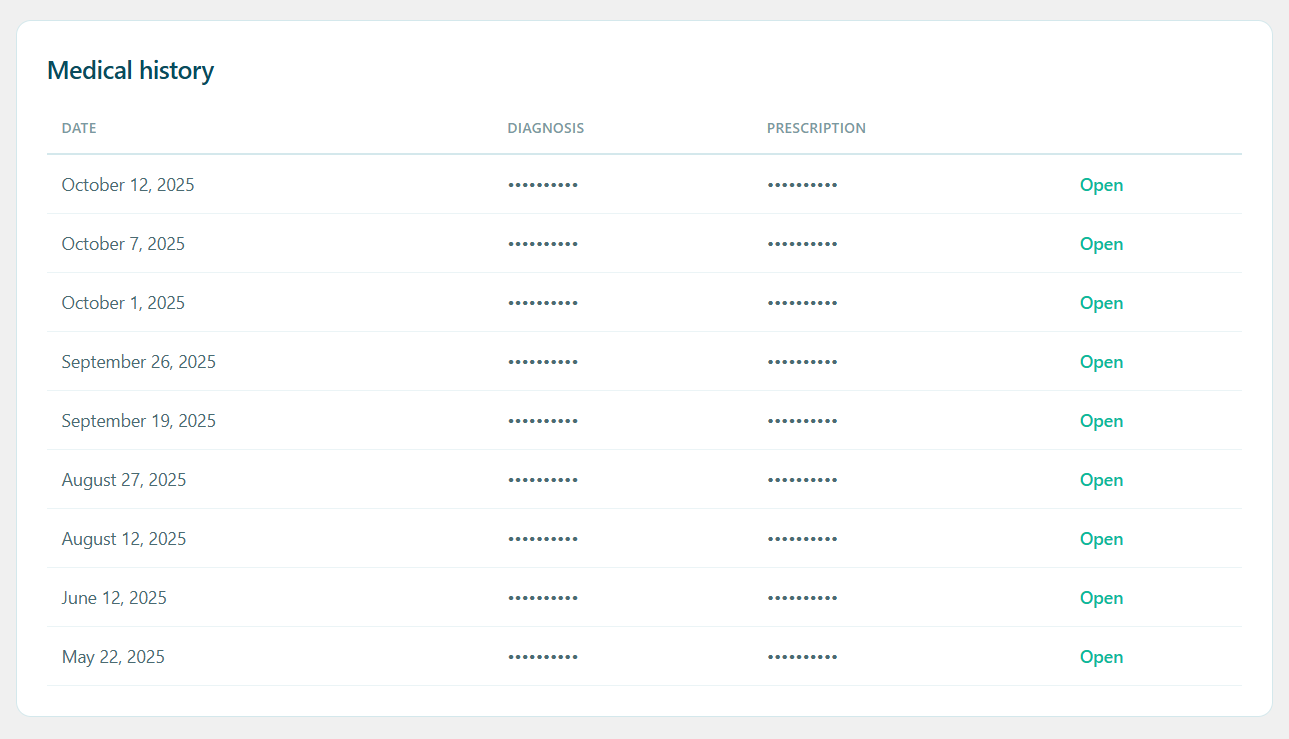
Patient data you actually control
Alnora keeps records encrypted in your own WordPress database rather than a third-party service, so you decide where sensitive data lives and who hosts it. Combined with the built-in GDPR toolkit — data export, right-to-erasure and an audit log — you can meet your obligations without bolting on another plugin.
You can hold the key yourself
Encryption is only worth as much as the key, and out of the box that key is generated into the same database as the records — so a copy of the database is a copy of the data, and the encryption protects very little. That is true of most plugins that advertise it, and we would rather say so than leave it implied.
Alnora shows you the single line to paste into your site’s configuration, then removes the copy from the database for you.
It is your existing key, so nothing is re-encrypted and nothing changes for your patients or your team — but a leaked or stolen database is now useless on its own. It takes about a minute, and Alnora keeps a warning on its screens until it is done.
One thing to know before you do it: that line becomes the only copy of the key, and backup plugins do not back up your configuration file. Keep it in a password manager. Nobody can recover it for you — which is exactly the point of moving it.
Keep patient records where they belong.
Unlock encrypted records, prescriptions and the patient portal with Alnora Pro — 30-day money-back.
Setting it up? Read the records guide.